AI photo editing · Free preview first
Every photo, just the way you need it.
Remove backgrounds, sharpen blurry photos, remove watermarks, erase unwanted objects, restore old photos and colorize black-and-white ones. Preview the result for free, then download in full quality if you like it. Compressing, resizing and converting images (like HEIC to JPG) is free. See all tools
Drop your images here
JPG, PNG, WebP or HEIC
Or drop images anywhere on this page.
- No sign-up needed
- See the result before you pay
- Photos deleted within 24 hours
See what Picvello can do
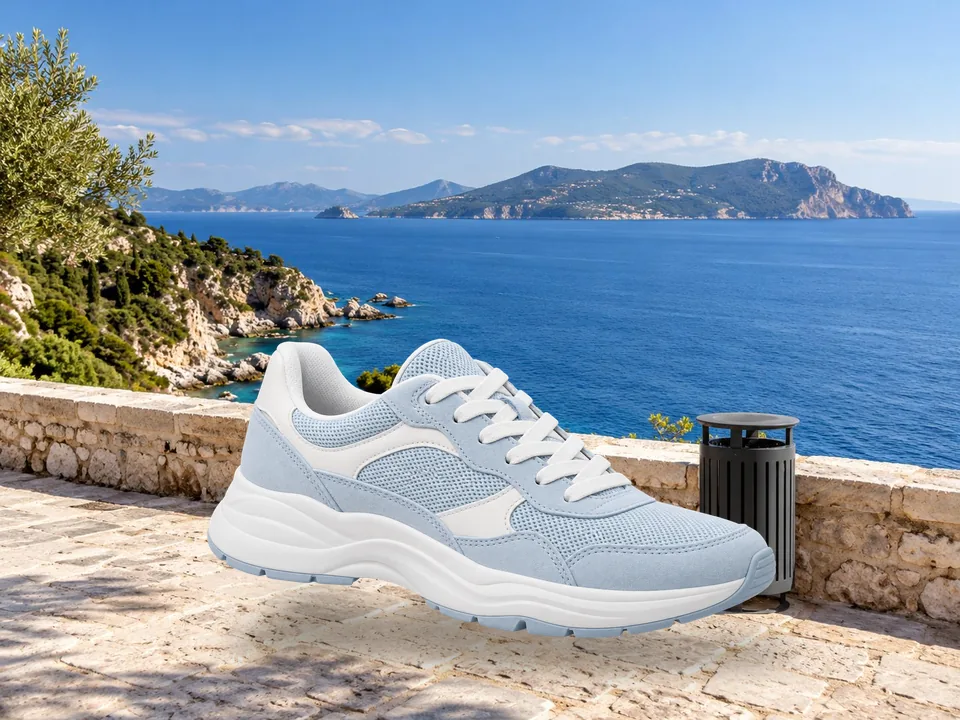
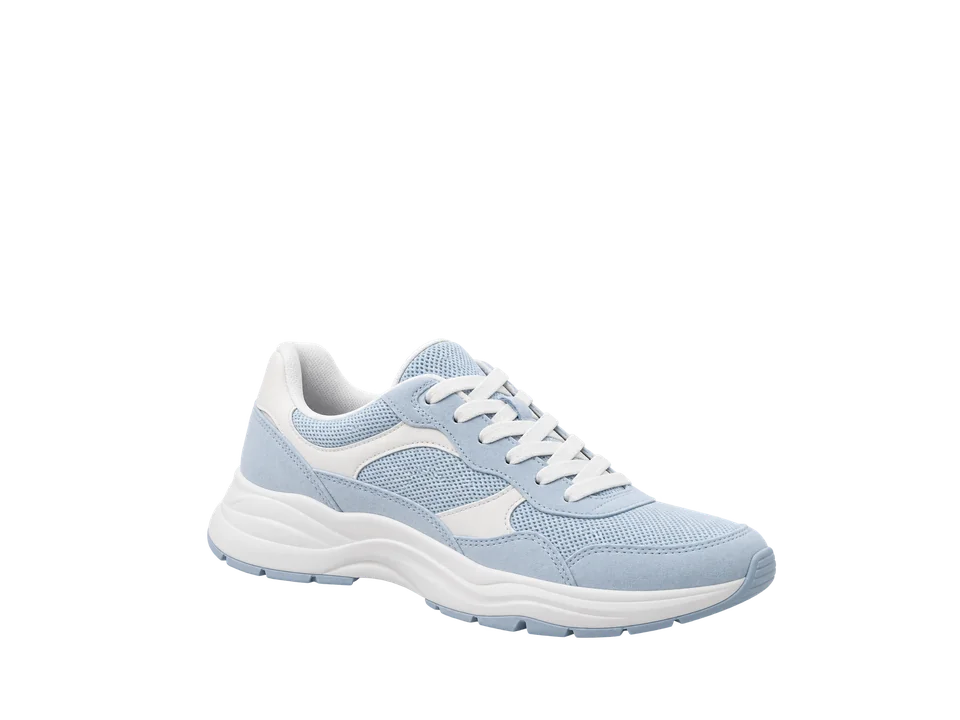
Remove Background
Cut out the subject automatically, with a transparent background ready for a white backdrop.
Popular tools
All tools
AI photo tools
Free image tools
No watermark · No sign-up · Up to 20 images a day
What people use it for
Everyday photo fixes, done from a single upload.
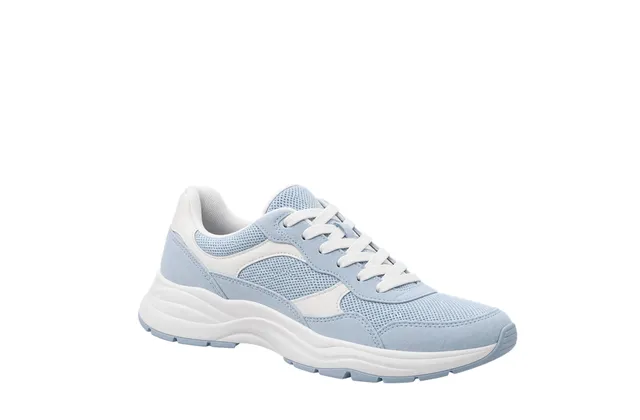 White-background product photosCut out products in one click and put them on white or transparent backgrounds, ready to list.Try Remove Background
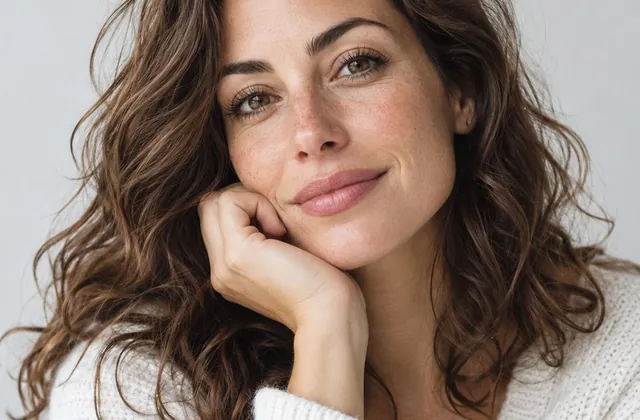 Sharper profile and ID photosBlurry selfies and small portraits stay crisp when enlarged.Try Image Enhancer
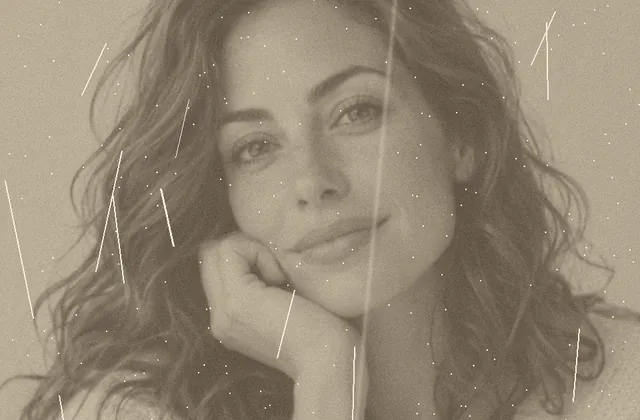 Restore old family photosRemove scratches and fading, then bring black-and-white photos to life with color.Try Old Photo Restoration
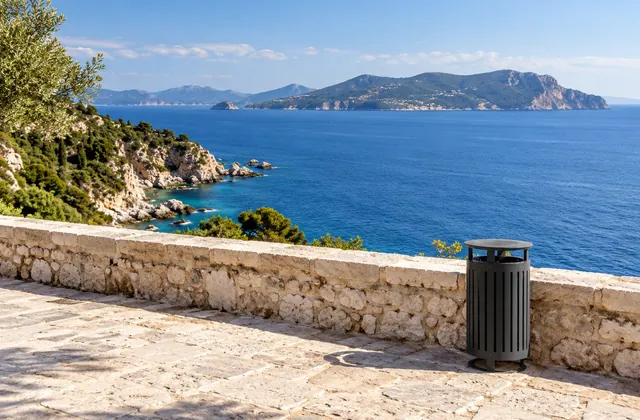 Clean up travel photosBrush away tourists, bins and clutter. One purchase covers 3 more edits within an hour.Try Object Remover
How it works
Upload a photo
Pick a tool, or upload first and we'll suggest what you can do.
Preview for free
AI tools show a free, watermarked preview. Compress, convert, resize, crop and rotate are free: up to 20 images a day.
Download
Happy with it? Download in full quality with credits or a one-time payment. Uploads and results are deleted automatically.
Frequently asked questions
Is Picvello free?
Compress, convert, resize, crop and rotate are completely free with no watermark, up to 20 images a day. AI tools show a free preview first; you only pay, with credits or a one-time payment ($0.99), if you want the full-quality download.
Are my photos stored?
No longer than needed. Unprocessed uploads are deleted after 60 minutes, and results 60 minutes after you first open them, at most 24 hours. We don't use your photos to train models.
Which formats and sizes are supported?
JPG, PNG, WebP, HEIC and BMP, up to 30 MB each. Free use covers images up to 10 MB, one at a time. AI results are up to 4096 pixels on the longest side.
What if I'm not happy with the result?
Don't pay. You see a watermarked preview before buying, and failed processing is never charged.
Do credits expire?
Credit packs never expire. Monthly plan credits are valid for that billing period.
Does it work on my phone?
Yes. Picvello runs in any modern browser on phones, tablets and computers, with nothing to install.